

By default, your end users will see a primarily Pipedream branded experience when they connect their account. To customize this screen to highlight your application, you can configure your app’s name, support email, and logo in the Pipedream UI.Documentation Index
Fetch the complete documentation index at: https://pipedream.com/docs/llms.txt
Use this file to discover all available pages before exploring further.
Customizing your application details
Open your project in the Pipedream UI: https://pipedream.com/projects- Once you’ve opened your project, click the Connect tab in the left sidebar
- From there, select the Configuration tab
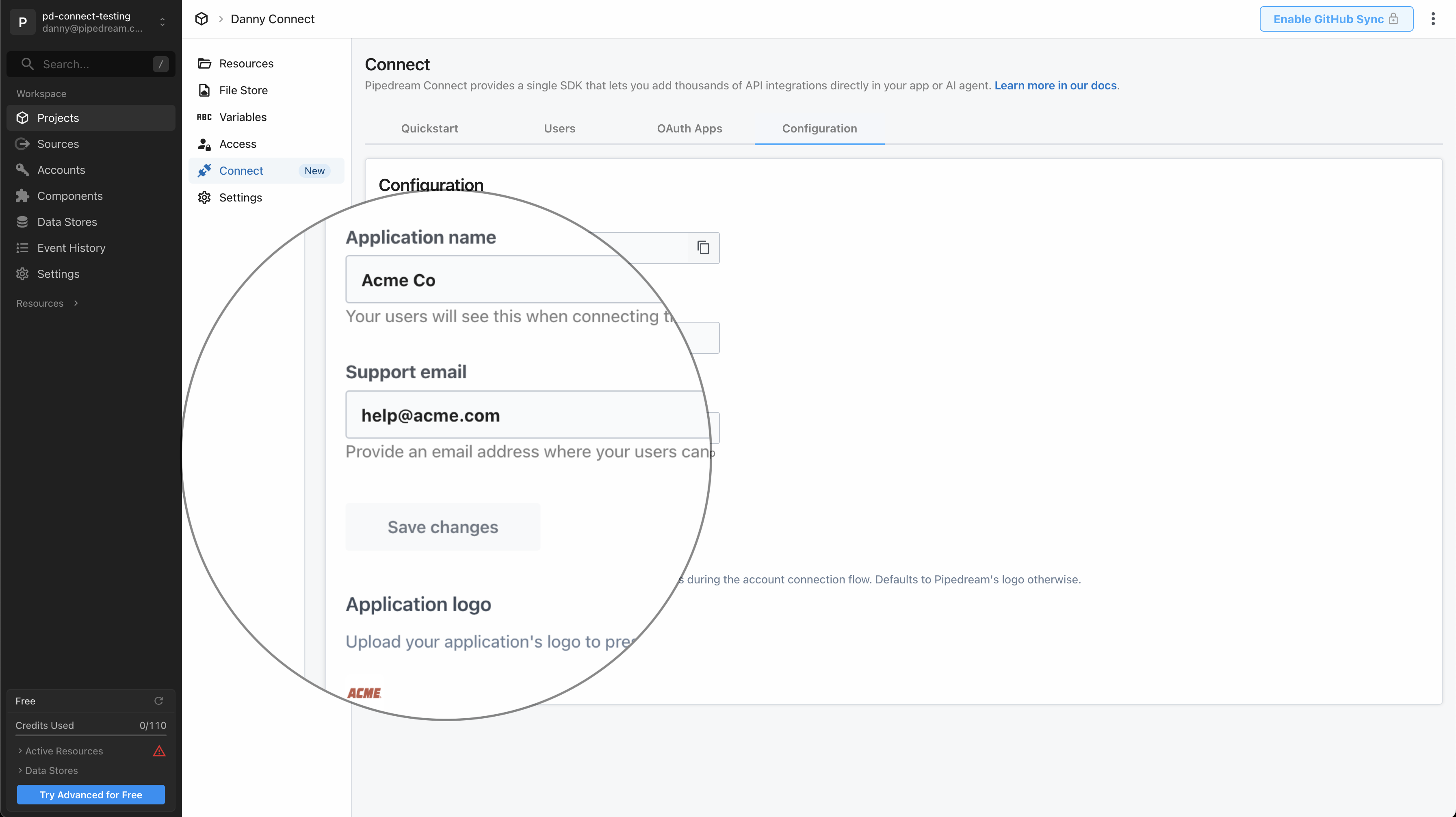
Application name
By default, your end users will see:We use Pipedream to connect your accountEnter the name of your application that you’d like to show instead, so it reads:
{Application Name} uses Pipedream to connect your account
Support email
In the case of any errors during the account connection flow, by default your users will see:Connection failed. Please retry or contact support.To give your end users an email address to seek support, enter your support email. We’ll display it:
Connection failed. Please retry or contact support help@example.com.